See It in Action
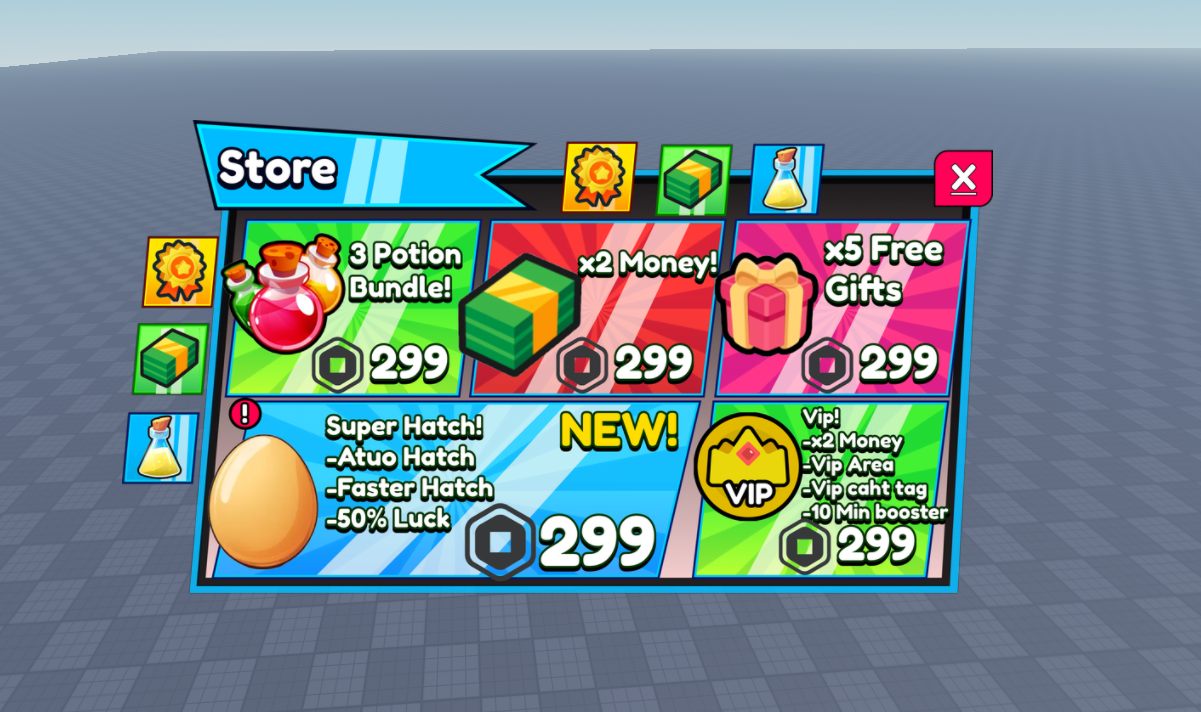
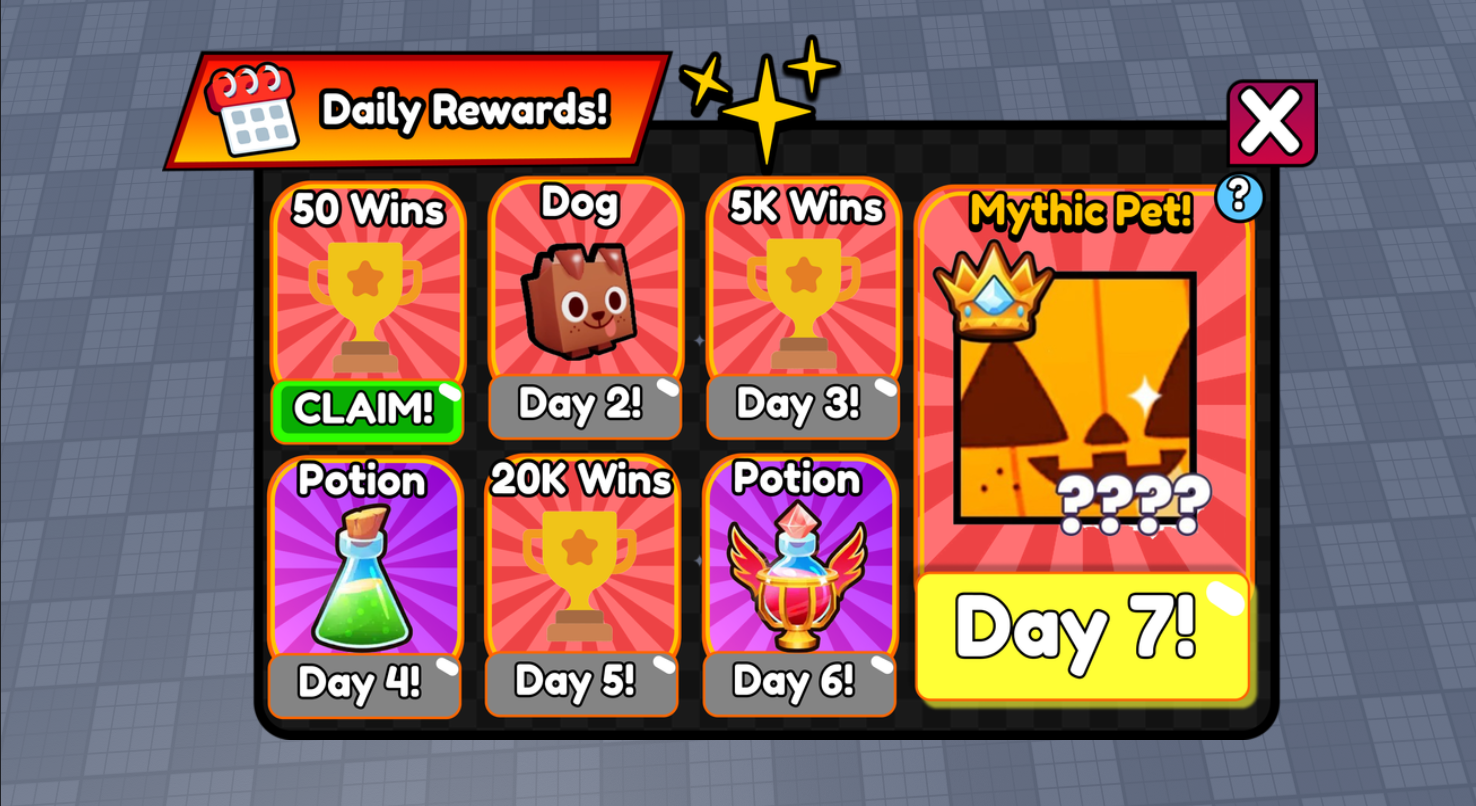
Real Roblox UI designs from the Figma community, ready to import in seconds.
One click turns your entire Figma design
into a working Roblox UI
in seconds 🤯
Frame · ScrollingFrame · TextLabel · TextButton · TextBox · ImageLabel · ImageButton · CanvasGroup · ViewportFrame
UI by Ben Bessler
Some text may render slightly different due to font differences between Figma and Roblox.
Real quotes from Roblox developers.
"Importing UI from Figma to Roblox takes FOREVER. It's been really tedious... I have a million frames left."
"You're always going to do manual work to adjust fonts, colors, scaling, and aspect ratios after import."
"The UI is blurry when I imported it using ImageLabel... it stretches when I try to fit it."
"Exporting individual elements isn't only time consuming — quality gets lost on bigger elements due to the 1024x1024 resolution limit."
"It is currently too hard, frustrating, and time-consuming to import 2D objects from e.g. Figma to Roblox."
"All the precious calculated distances are wrong, the UI elements have different heights... you spend more time fixing than designing."
| Task | By Hand | FigBloxUI |
|---|---|---|
| Simple UI (a few buttons) | ~2 hours | One click |
| Complex UI (187 instances) | Half a day or more | Under a minute |
| Upload 68 images | Export, upload, paste ID × 68 | Automatic |
| Scale & position elements | Calculate UDim2 by hand | Pixel-perfect conversion |
| Update after design changes | Rebuild almost everything | Click Send again |
Other tools leave blank boxes where images should be. FigBloxUI exports every image from Figma, uploads it to Roblox, and sets the Image property — automatically. No Asset Manager. No rbxassetid:// copy-paste.
| Feature | Others | FigBloxUI |
|---|---|---|
| Auto image upload | Manual setup or re-upload | Zero steps |
| One-click to Studio | Export, copy, or paste | Click Send, done |
| Instant in Studio | No | Yes |
| UIGradient | Varies | Yes |
| UICorner / UIStroke | Varies | Yes |
| Rich Text | Some | Yes |
| Smart button detection | Manual or none | Automatic |
| Price | Free – $9.99/mo | $5/mo |
Real Roblox UI designs from the Figma community, ready to import in seconds.
 2,500/month